Smart home devices often bring to mind futuristic voice commands like “Alexa, turn off the lights,” but what if you’re not comfortable with voice assistants—or don’t consider yourself tech-savvy? Fortunately, you don’t need to be a tech genius to enjoy the benefits of smart home technology. In this blog, we’ll explore the user-friendly options available for controlling smart devices, how to simplify setup and management, and tips to make your smart home work for you, even without relying on voice assistants.
Are Smart Home Devices Designed for Everyone?
Yes, they are! The growing popularity of smart home technology has driven manufacturers to create devices that are intuitive and accessible for users of all skill levels. Whether you prefer a traditional approach or want to avoid voice assistants entirely, there are plenty of alternatives to suit your needs.
How to Control Smart Devices Without Voice Assistants
- Mobile Apps
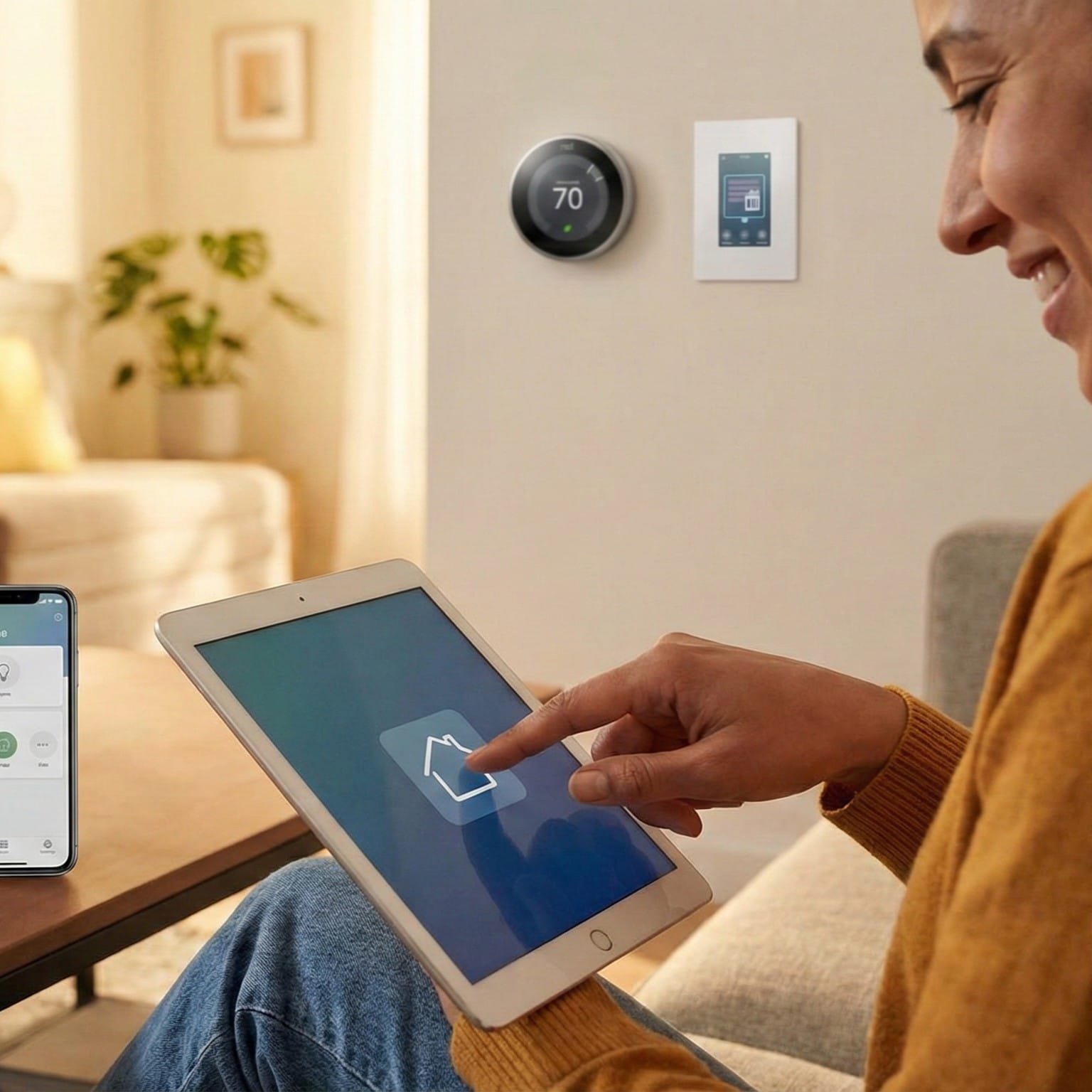
- Most smart devices come with dedicated apps for smartphones or tablets, offering intuitive controls.
- Apps provide features like on/off toggles, scheduling, automation settings, and monitoring tools.
- Physical Controls
- Many smart devices, like lights, thermostats, and locks, include physical buttons or panels for manual operation.
- Some products, like smart light switches, can replace traditional switches, offering a familiar way to control devices.
- Smart Hubs or Remotes
- Hubs like Samsung SmartThings or remotes like Logitech Harmony allow centralized control of multiple devices without needing a smartphone.
- Automations
- Set up automations based on time, location, or triggers so devices operate without requiring manual input.
- Example: Lights turning on at sunset or a thermostat adjusting the temperature when you leave home.
- Web Interfaces
- Some devices can be controlled via a computer browser, providing another non-voice option.
User-Friendly Features for Non-Techies
- Plug-and-Play Devices
- Many smart plugs, bulbs, and cameras require minimal setup. Simply plug them in, download the app, and follow a few basic instructions.
- Pre-Configured Routines
- Apps often offer pre-made routines, such as “Good Morning” or “Bedtime,” that can be activated with a single tap.
- QR Code Setup
- Scanning a QR code on the device or packaging simplifies pairing and configuration.
- Guided Tutorials
- Apps frequently include step-by-step tutorials to help users navigate setup and customization.
- Customer Support
- Most brands offer help centers, FAQs, and even live support to assist with troubleshooting.
Common Concerns About Going Voice-Free
- Limited Functionality?
- Most smart devices provide full functionality through apps and physical controls, so you won’t miss out by avoiding voice assistants.
- Ease of Use
- Manufacturers focus on creating intuitive interfaces, ensuring you won’t need advanced tech knowledge.
- Privacy
- Skipping voice assistants also means avoiding potential concerns about voice data being recorded or stored.
Real-Life Scenarios for Non-Voice Users
Scenario 1: A smart thermostat adjusts your home’s temperature automatically based on the schedule you set in its app—no voice commands needed.
Scenario 2: You use a smart plug to schedule your coffee maker to start brewing at 7:00 AM every day. The control happens through a simple app.
Scenario 3: With a smart light switch installed, you control your lights the same way you always have—by flipping a switch.
Tips for a Stress-Free Smart Home Experience
- Start Small
- Begin with one or two simple devices, such as smart plugs or bulbs, to get comfortable with the technology.
- Stick to One Ecosystem
- Choose devices that work well together to avoid compatibility issues. Brands like Philips Hue, Wyze, or TP-Link offer cohesive ecosystems.
- Use Automations for Hands-Off Control
- Let your devices do the work by setting up schedules and triggers. For example, automate your outdoor lights to turn on at sunset.
- Test Features Gradually
- Explore features at your own pace. You don’t need to master everything right away.
- Ask for Help
- Don’t hesitate to reach out to customer support or watch video tutorials for guidance.
Final Thoughts
You don’t need to be tech-savvy—or rely on voice assistants—to enjoy the convenience of a smart home. With user-friendly apps, physical controls, and straightforward automations, controlling smart devices can be as simple as tapping a button or flipping a switch. By starting small and exploring features at your own pace, you can create a smart home tailored to your comfort level.
Curious about easy-to-use devices? Check out our guide to the best beginner-friendly smart home products!
Next in our blog series: “How Energy-Efficient Are Smart Home Devices, and Will They Increase My Electricity Bills?”